

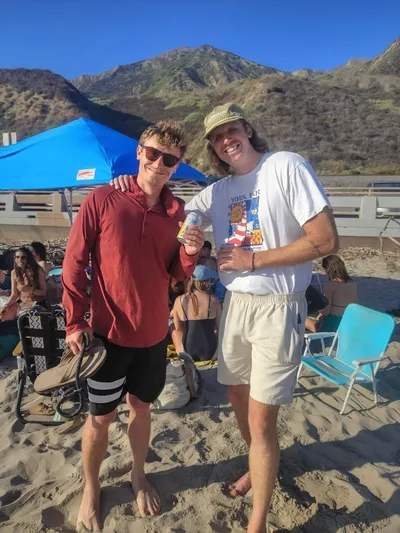
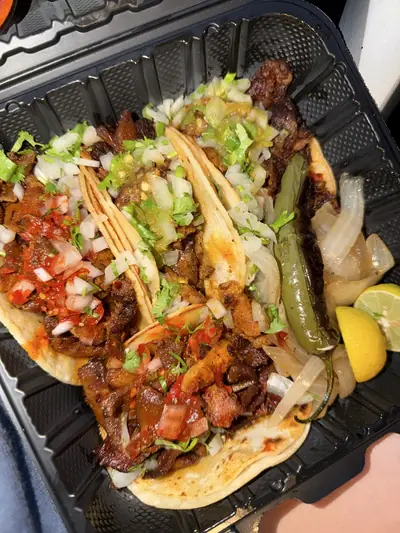
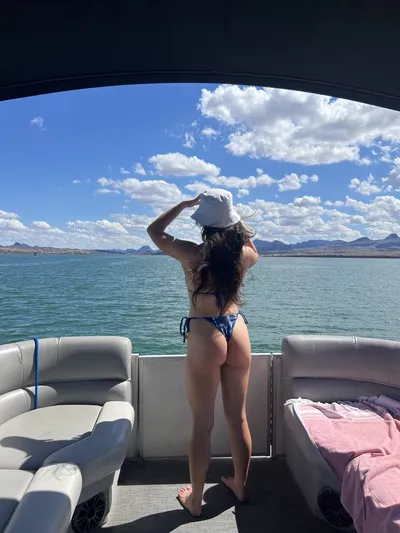
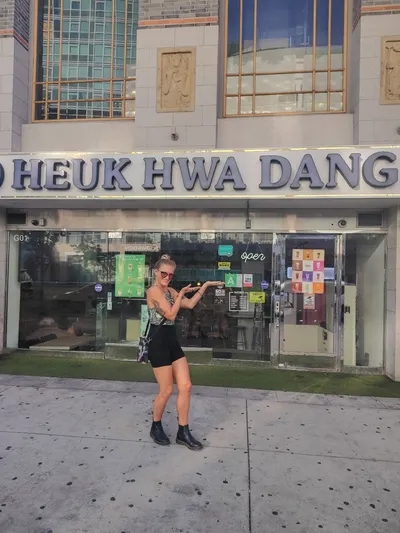
Verified unedited before posted
Everything uploaded is checked using cryptography and the C2PA standard. This is not a guess or attempt at detection. Anything edited or AI generated is rejected. See how it works below.
What you get
Every upload goes through our verifier before anyone sees it. Here's what that gives you.
Everything uploaded is checked using cryptography and the C2PA standard. This is not a guess or attempt at detection. Anything edited or AI generated is rejected. See how it works below.
Use a camera on our trust list, or shoot with the RealReel camera on iPhone and Android.
The RealReel camera signs each capture with a key issued to your account, so it records who took it, not just which phone.
With the RealReel camera, location is recorded at capture, so any change to it afterward is detected. By default, exact coordinates are removed on upload, leaving just the city.
Tap the info button on any post to see its camera details and its full Content Credentials.
Write descriptions up to 5,000 characters long, with Markdown formatting, on every photo and video.
How it works
A growing number of cameras are adopting Content Credentials. We accept uploads from a curated list of cameras and are constantly expanding it.
RealReel's in-app camera is C2PA compliant. Captures are signed with Content Credentials and saved to your normal photo gallery.
Proof of authorship. Every capture is signed by a key issued to your account, so who took it is sealed into the photo or video.You can see this in the app: tap the info icon on a RealReel capture and look for the By line under C2PA.
The content's C2PA signature chains back to a root certificate on our trust list. We also check that the signing key has not been revoked.
The manifest carries a hash of the exact bytes that were signed. Our verifier recomputes that hash from the file it receives and rejects the upload if the hashes do not match.
You can rotate, mirror a photo, trim a video, or remove location data before you post. Each edit is declared in the manifest as a C2PA action, and our verifier rejects anything else: crops, filters, retouching, splices.
AI tools are beginning to sign C2PA manifests. Anything declared as generated or edited by a model is refused, no matter who signed it.
Every upload carries a fresh attestation from Apple or Google that it came from the genuine RealReel app on a device that is not rooted or jailbroken. That matters because the app is what declares the approved edits.
Share and embed
Post to any app or put it on your own website. Either way, people can trace it back to the verified post.
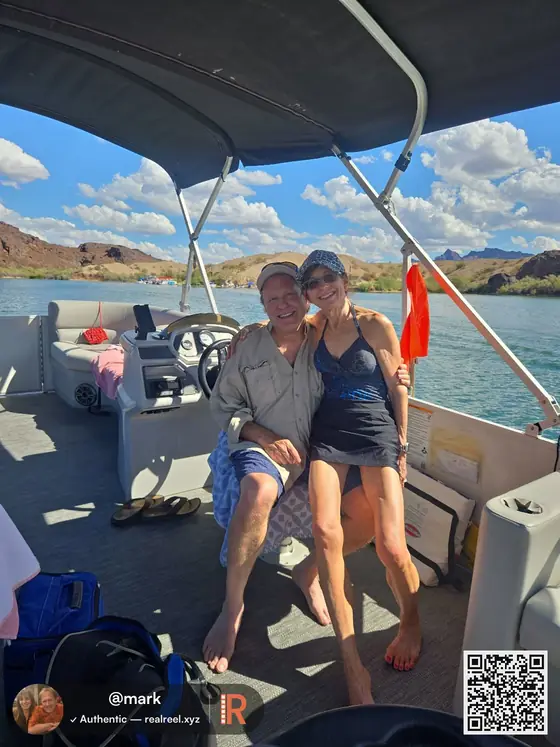
Every share carries your avatar and handle and links back to the verified post. Add a QR code if you like. Works for photos and videos.
Put a RealReel photo or video on any page with one line of code.
Customers have learned to doubt the photos businesses post online. A Business Page puts your website on your RealReel profile, proven to be yours.